Mood boards have always been a key part of visual storytelling that has evolved throughout the years. What once was characterized as a physical collage of imagery and textures that you might’ve cut out from magazines has now evolved in the digital age. With countless apps and websites at our disposal many use them f or their own personal conveniences or for professional projects. Mood boards are an essential starting point for visions to come to life. From mapping out your vision board for the next year to creating a map of what creative direction a professional project will take.
The most important characteristics of mood boards include imagery, color pallets, textures, and typography. In PR and other similar fields, they’re a great tool for brands. It’s a way to establish the visual language you want your content and brand to convey to audiences. As students starting out the field or even those who just want to make one, the number of apps at our disposal can be a little overwhelming. Especially when not knowing which ones are best for you based on their User Interface or potential price points. In case this is something you’re struggling with, here are 5 sites to make your digital mood board.
1. Pinterest
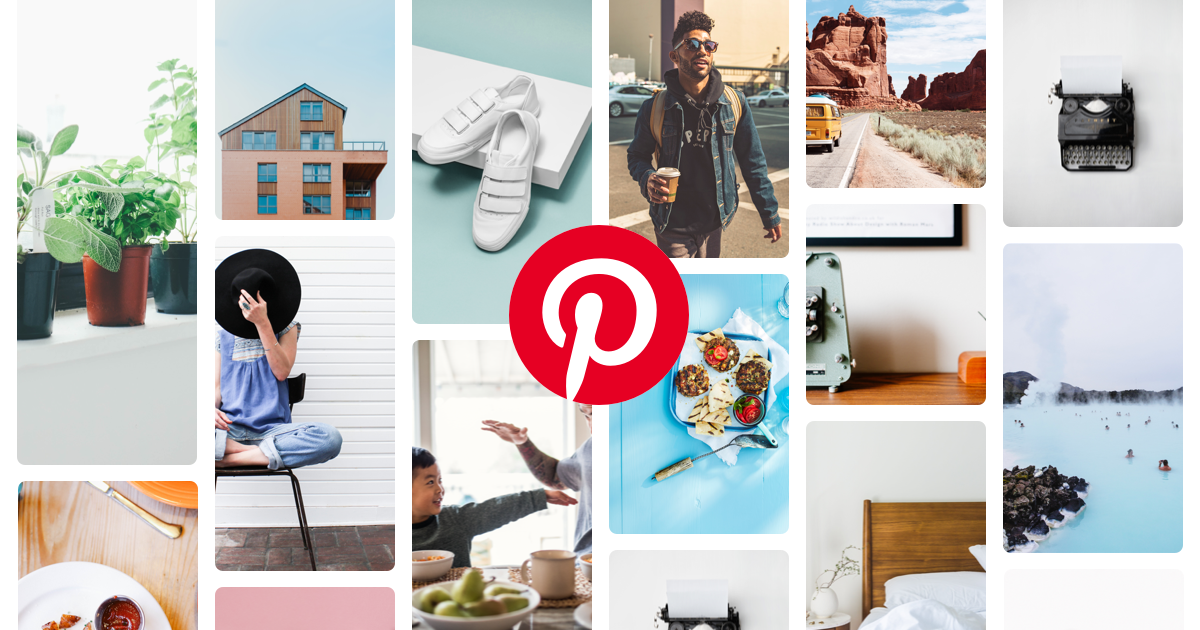
Now this is an obvious contender, and you’d probably be living under a rock if you’ve never heard of it before. But it’s a popular choice for a reason and not to mention a great starting point in finding imagery for your references. You can create a board and organize how it looks visually or even use Pinterest’s newest addition of Collages. Where you can edit your pinned photos and create cutouts of them before placing it where you think is best in your collage. It gives you a lot more freedom in the design of your mood board compared to creating a regular blog.
An oldie but still a goodie!
Pricing: Free
2. Cosmos
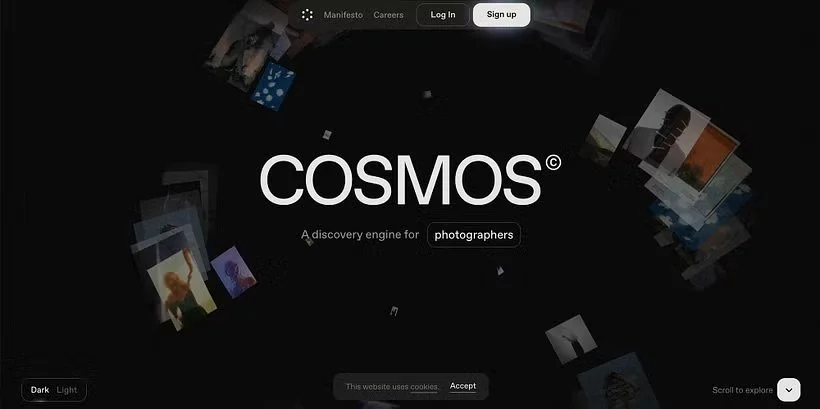
Now Pinterest can sometimes feel like the older millennial sister that knows who she is but keeps up with recent trends. Cosmos on the other hand is the Gen Z sibling that’s really into Y2K minimalism and potentially going into graphic design as their major.
It was created as an alternative to Pinterest that is ad-free where you can grab inspiration and curate boards that are similar to Pinterest. Overall it has a similar set up and it’s easy to use! Something that sets them apart is the ability to search and filter for your inspo by color hex codes and image matching.
It’s also metric free meaning the platform doesn’t incorporate public likes or comment sections like Pinterest and is solely meant for curation. Not to mention you can collaborate with friends or other creators in order to build your mood board.
Pricing: Free, $8/month for Premium
3. Canva
When it came to digital curation, Canva intimidated me in the very beginning as someone who was very used to Pinterest and random photo collage apps on my phone. But it’s easy to use and can even be your best friend!
There is a premium subscription with specific features available, but the free version is still a solid choice, and you have the basic tools available to you. In terms of mood boards, there are templates available, but some are blocked by the subscription. Canva is page based meaning your board does have a defined space. There’s a variety of fonts, ability to incorporate “notes” for your own use or for collaborators, and a drawing feature. It’s overall a very user-friendly experience when wanting to curate a visual map for your project!
Pricing: Free, $144/yr (or $12/month) Canva Pro for Individuals
4. Milanote
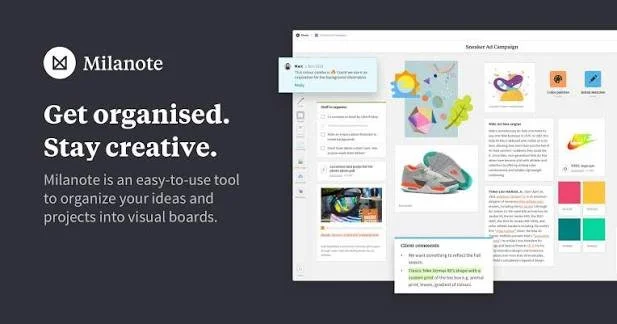
Under the free plan, Milanote offers a variety of templates based on your preference or freeform based arrangement. Images are available to you through the platform, or you can upload your own and there’s limited font options. There’s the ability to collaborate and allows you to create comments for other collaborators to see or add. It incorporates the same edit tools as Canva to curate how you want your board to look. One thing I really liked when starting off was the quicker user guide it provided you to get a real feel of how the platform worked and it was very user friendly overall.
The downside to Milanote is that there is limited amount for how many new cards you can create and a 10-file maximum under the free plan. Their Pro version provides unlimited notes, images, or uploads. If Milanote’s free tier is something that you like, and you want to continue their Pro version could a great contender for students in the PR sphere.
Pricing: Free, $9.99/month billed annually or $12.50/month billed monthly
5. Adobe Express
Adobe can be feel intimidating sometimes, especially when you’re a student. Both in how to navigate it and price point potentially. However, Adobe Express does offer a free plan to use basic tools and templates alone with a limited stock on assets. If you like how Express functions, you can then decide if you want to invest in their monthly plan for access to their premium assets. Or if you’re a student you can check with your university if you have access to a discounted/free version of Adobe Creative Cloud.
Adobe Express is a great tool to use when creating your mood board. The arrangement is page based like Canva. Templates are offered, but Express can provide help through suggestions in how to curate your brand. Using the imagery you provide, it can suggest color hex codes and fonts to make your experience a little easier. It also includes the feature of commenting and inviting others to collaborate.
Pricing: Free, $9.99/month for Premium, other subscriptions available